The RAM Reality Check: Why 8GB Is Falling Behind
Operating systems and web applications have grown heavier. A single web app like Slack or Notion now uses 600MB–1.2GB of physical memory.
Device Memory Requirement Matrix (2026)
| Device Type | 8GB RAM Experience | 16GB RAM Experience | 32GB+ RAM Experience | Recommendation |
|---|---|---|---|---|
| Windows Laptops | Stutters with 12+ Chrome tabs & Zoom | Silky smooth multitasking, light coding | Heavy 4K editing, Docker containers, VMs | 16GB Minimum |
| MacBook (macOS) | Acceptable for basic tasks; swaps to SSD | Perfect for creators, developers, designers | Pro audio, 8K video timelines | 16GB Recommended |
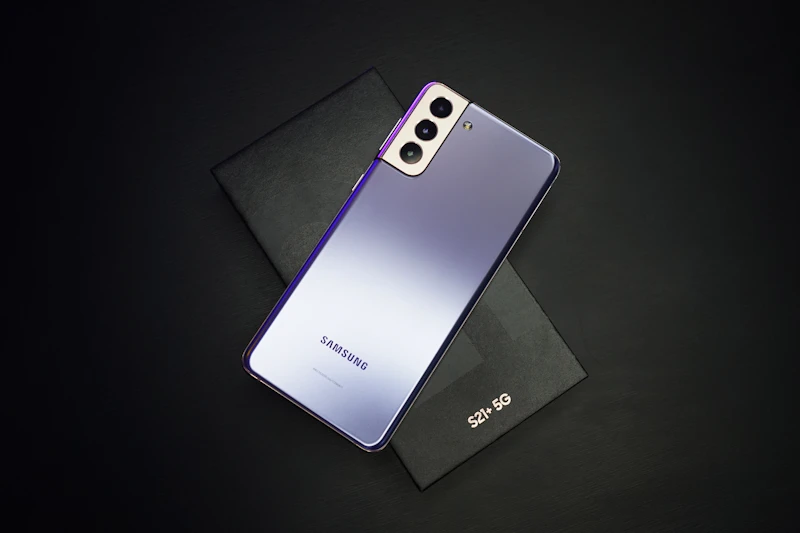
| Android Phones | Smooth multitasking for 4+ apps | Overkill for 95% of users; gamer focused | Unnecessary marketing gimmick | 8GB Sweet Spot |
| iPhones (iOS) | 6GB-8GB runs flawless due to RAM management | Not applicable | Not applicable | Base iPhone Specs OK |
Key Decision Takeaways:
- Virtual RAM / RAM Expansion Is a Gimmick: Smartphone 'Virtual RAM' uses slow UFS flash storage as swap space, which increases battery drain and SSD wear without real speed gains.
- Dual Channel vs Single Channel: In laptops, two 8GB sticks running in dual-channel provide 15–20% better integrated graphics performance than one 16GB stick.
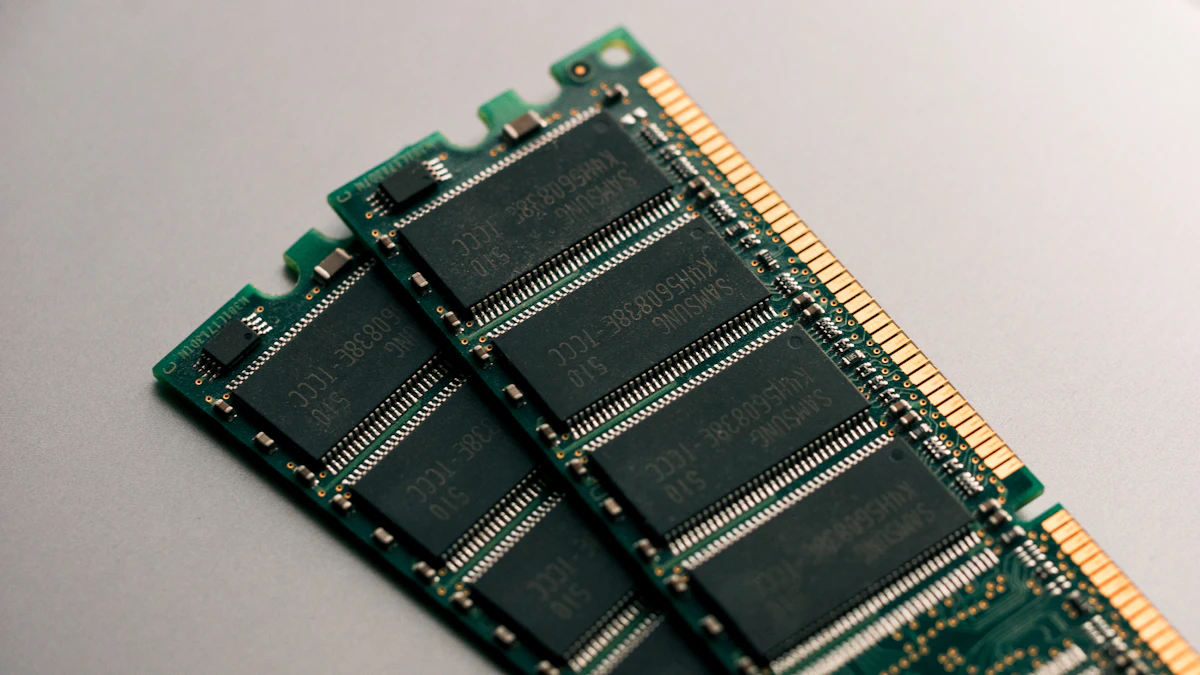
- Soldered RAM Warning: Many thin-and-light laptops solder RAM to the motherboard. If you buy 8GB soldered RAM today, you cannot upgrade it next year.
Rupee Cost Differences:
- Upgrading from 8GB to 16GB on Windows laptop: +₹3,000 to ₹4,500 (Highly worth it).
- Upgrading from 8GB to 16GB Unified Memory on MacBook: +₹20,000 (Expensive, but necessary for 5-year future-proofing).
What to Check Before Buying:
- Check if the laptop has SO-DIMM slots or soldered LPDDR5 memory.
- Ensure DDR5 RAM speed is at least 4800MHz to 5600MHz for modern AMD and Intel chipsets.